
01 · Day one
He reads the counts.
 ×477
 ×391
 ×288
 ×203
2,187hours on this iPhone
Your iPhone has counted every play since the day you set it up. Earhog adds them up, so your stats are there the minute you install.
Top artists · All timenot yours (yet)
 Taylor Swift612h
 SZA488h
 Olivia Rodrigo341h
 Sabrina Carpenter257h
Ranked songs, artists, albums and genres, by hours or by plays, for any week, month, year or all time. Tap one for its own page: how much of you it takes up, and the albums you're still missing.
Taylor Swift, 612 hours. Respect.
Cruel SummerTaylor Swift · weekly plays
477plays
Play history for every song, album and artist. See the exact week you couldn't stop replaying something.
that spike? February.

Forgotten favourite
Red (Taylor's Version), 52 hrs
Still in rotation
Songs added in 2021
Dig up forgotten favourites, see which years of your library still slap, and find out how you really listen: what you finish, what you skip, and how fast.
go on, play it again
Earhog · November
Cruel SummerTaylor SwiftKill BillSZA vampireOlivia RodrigoEspressoSabrina Carpenter
 Anti-HeroTaylor Swift

Your Earful: a week, month or year told as a story. Your top five counted down, your artists racing to #1, your biggest day. Any day you like, not once a year. Every page shares as an image or a video.
flex responsibly
Top song
Your top song, top artists or week so far, right on your Home Screen.
stats at a glance
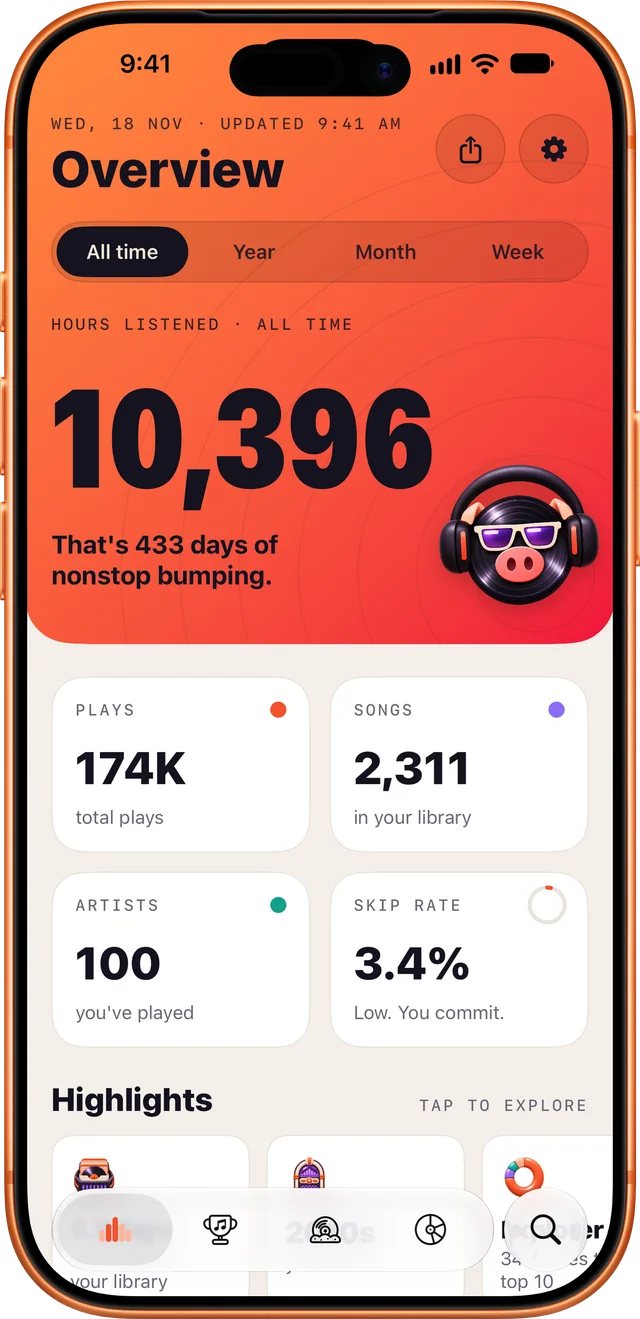
Overview
Hours, plays and skips at a glance
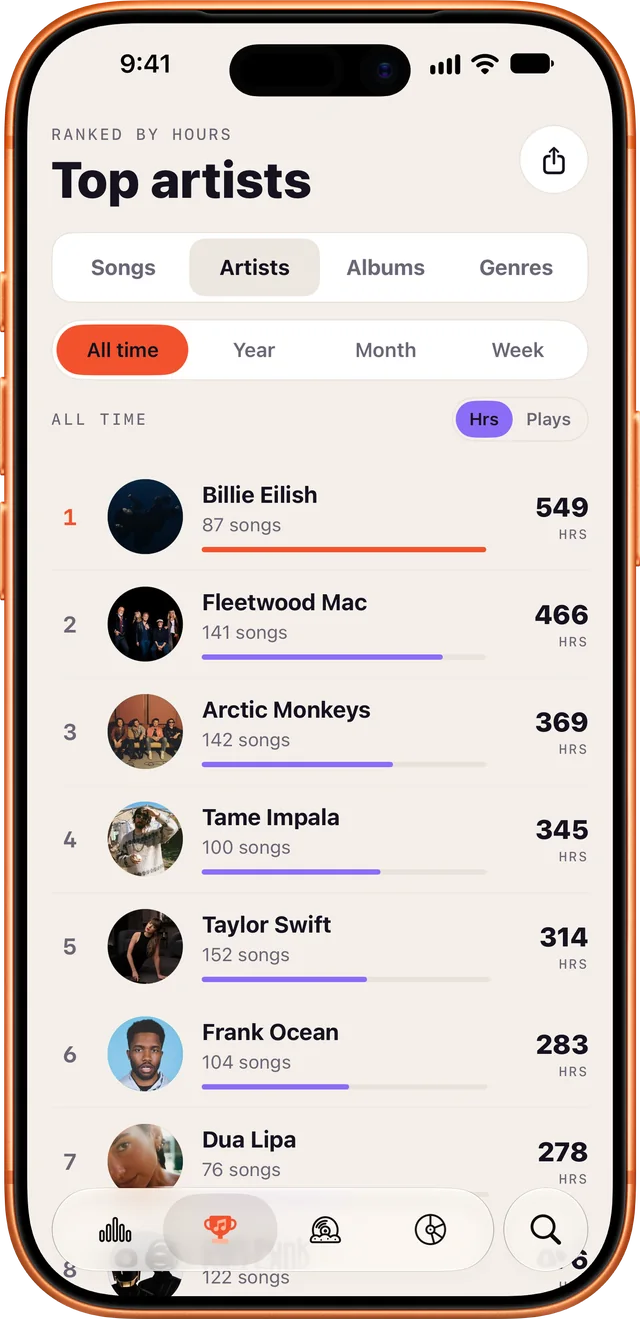
Top lists
Week, month, year or all time
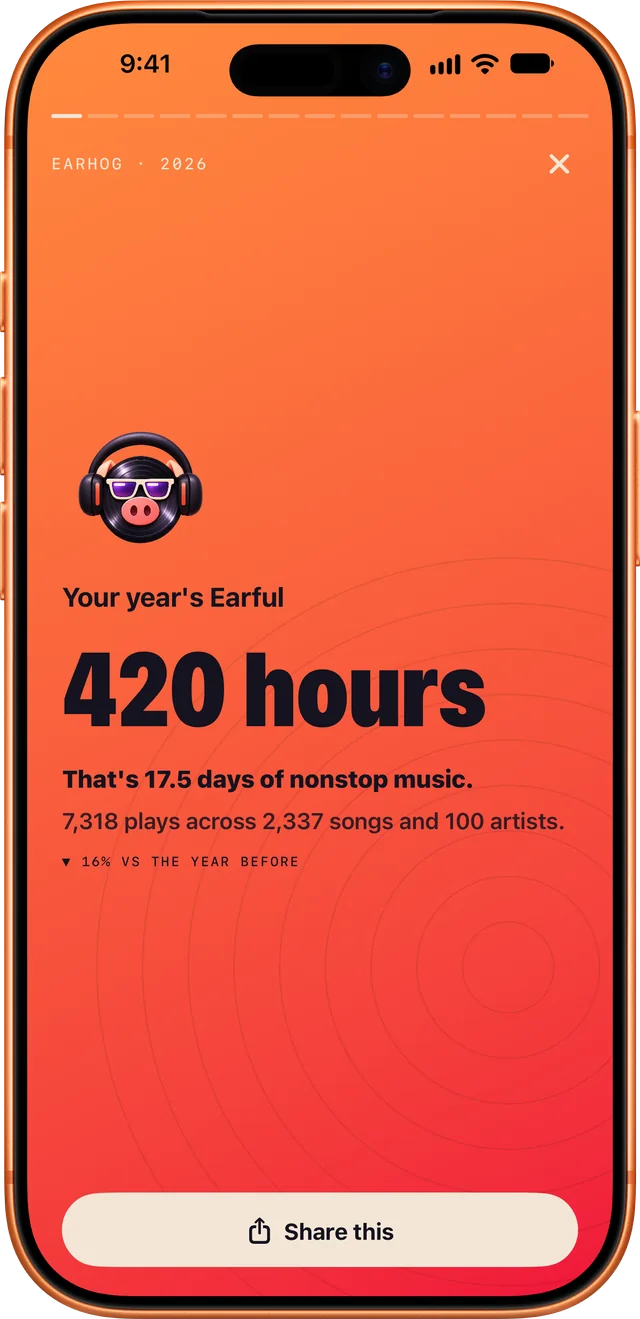
Your Earful
A recap you can play any day
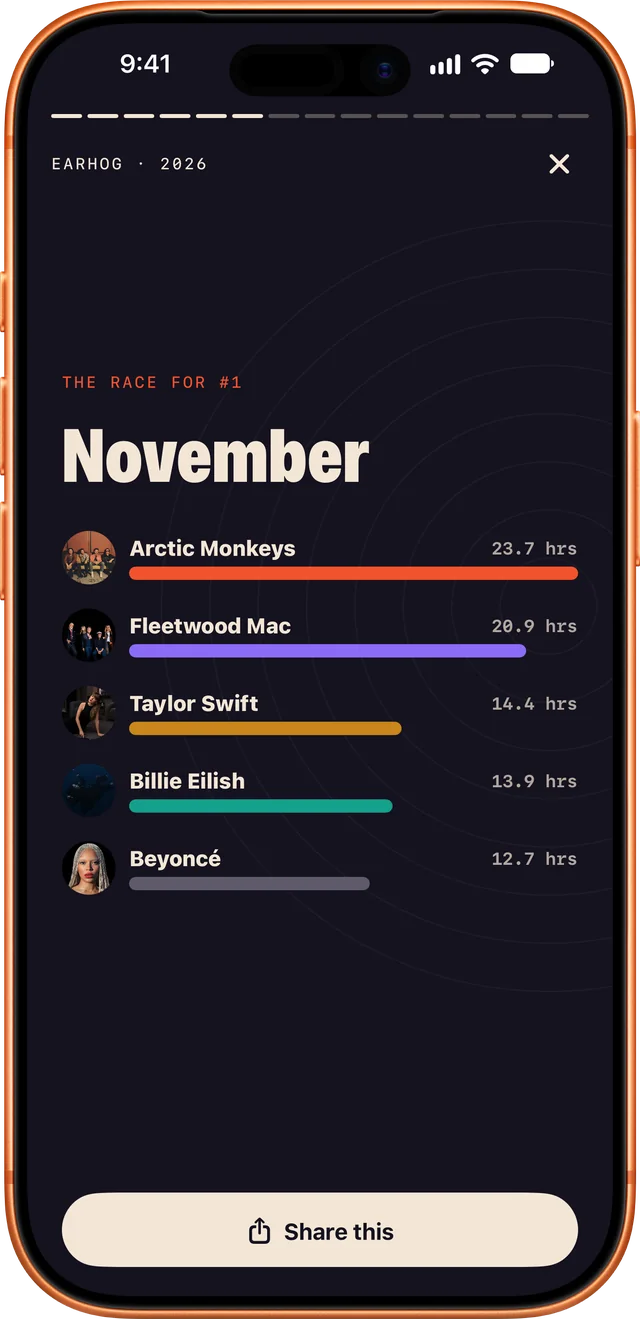
The race
Who ran your year, month by month
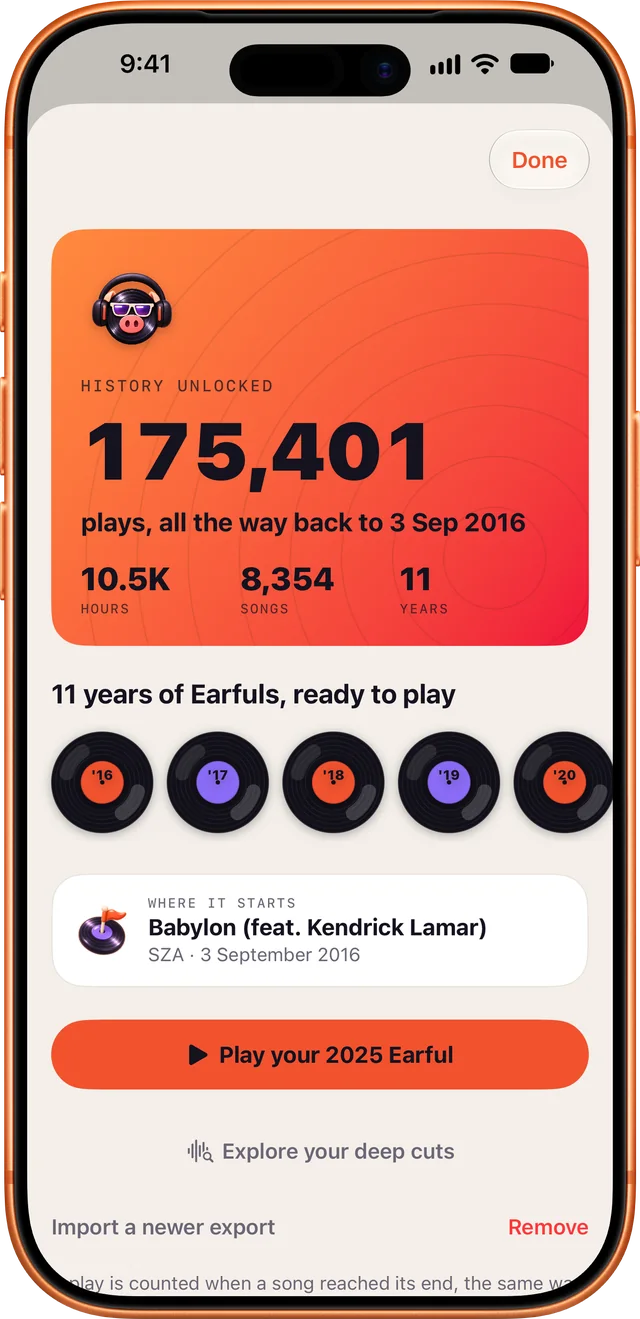
Past years
Every play from Apple's data download
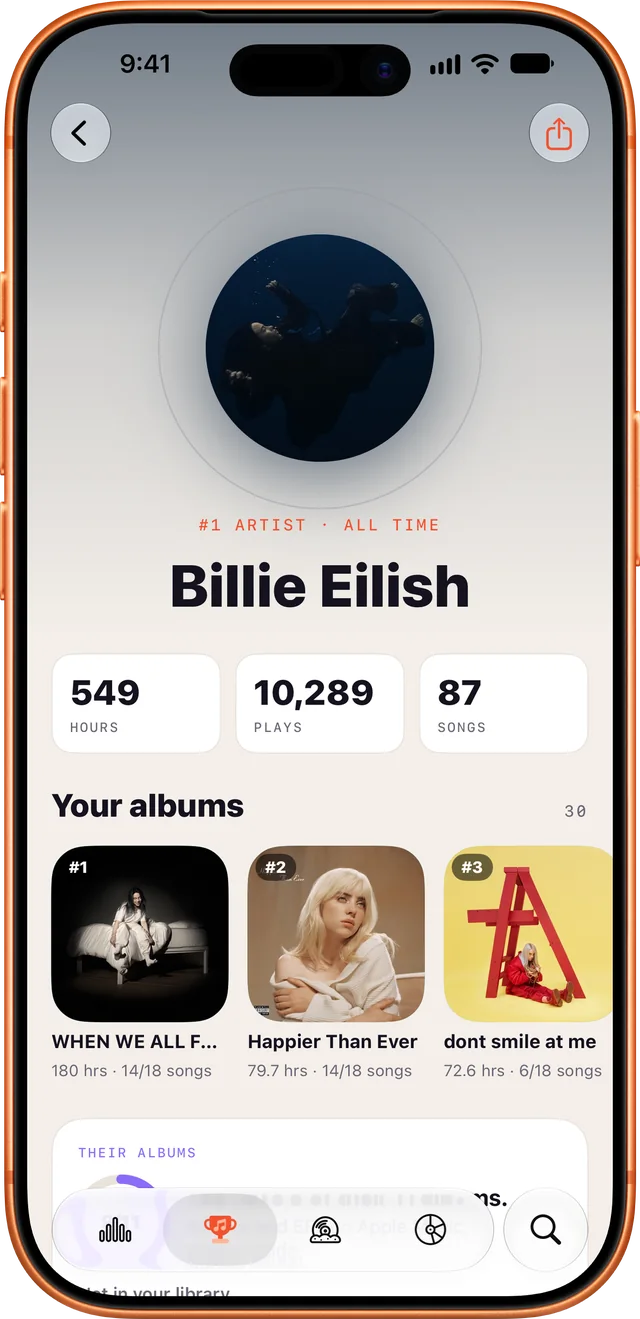
Artist pages
Your share, their albums, what you're missing
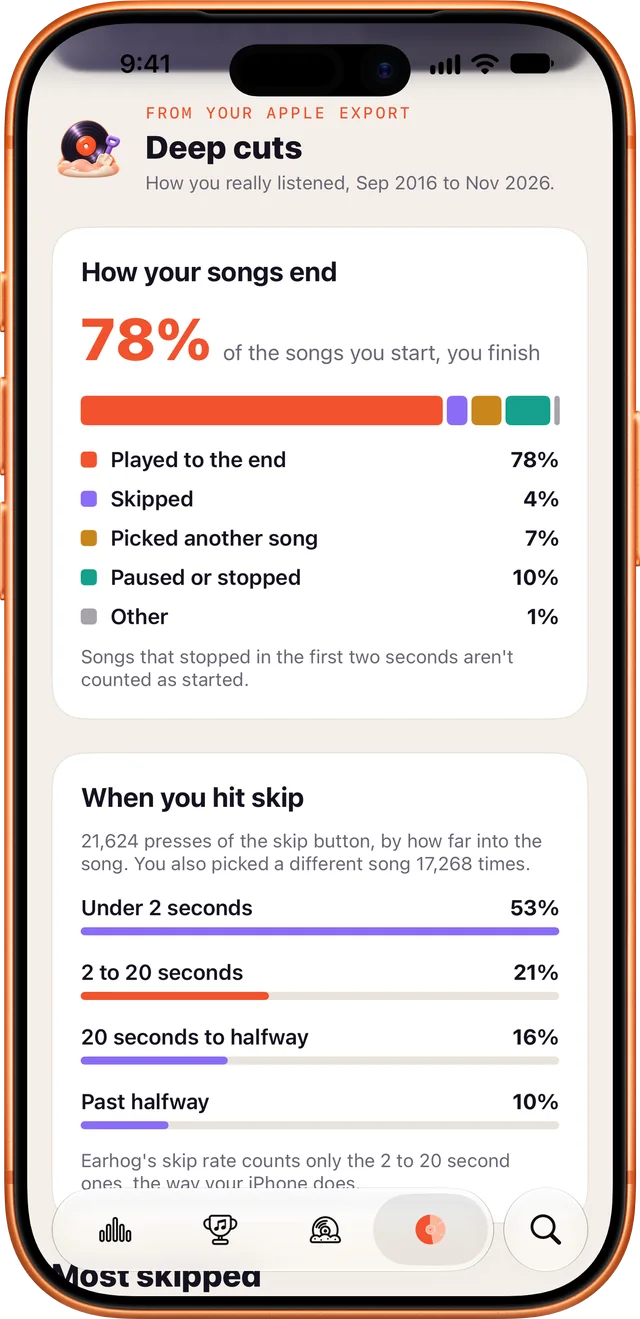
Deep cuts
What you finish and what you skip
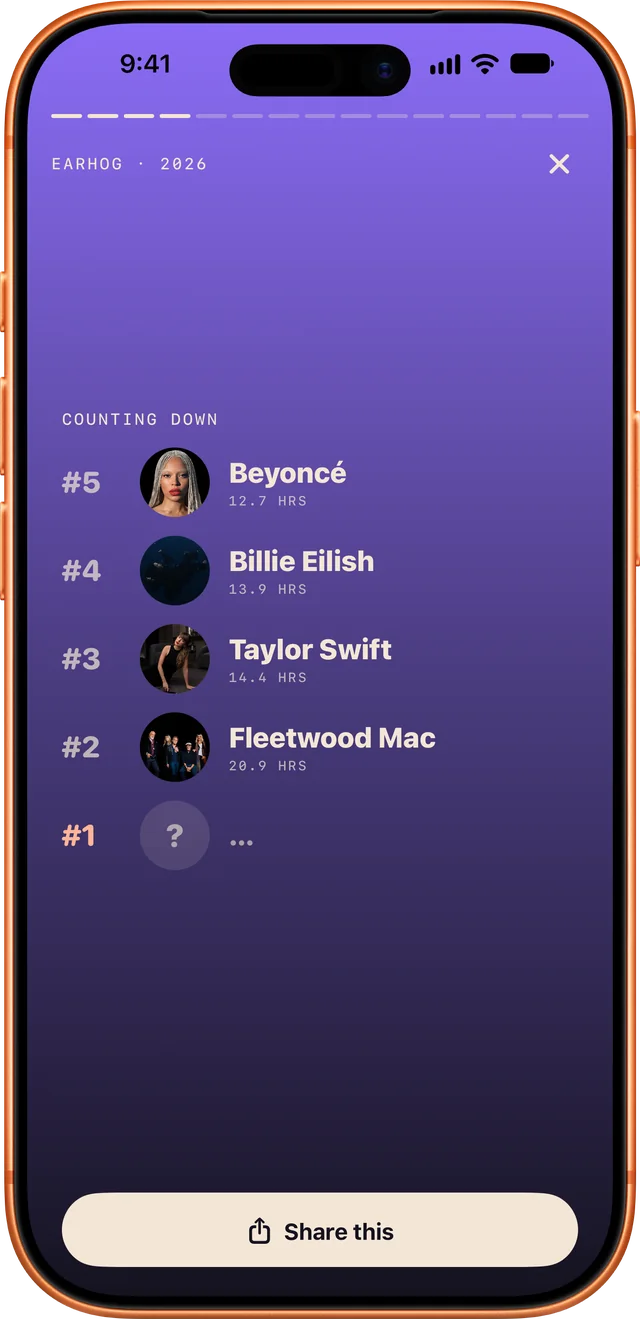
The countdown
Your top five, one at a time
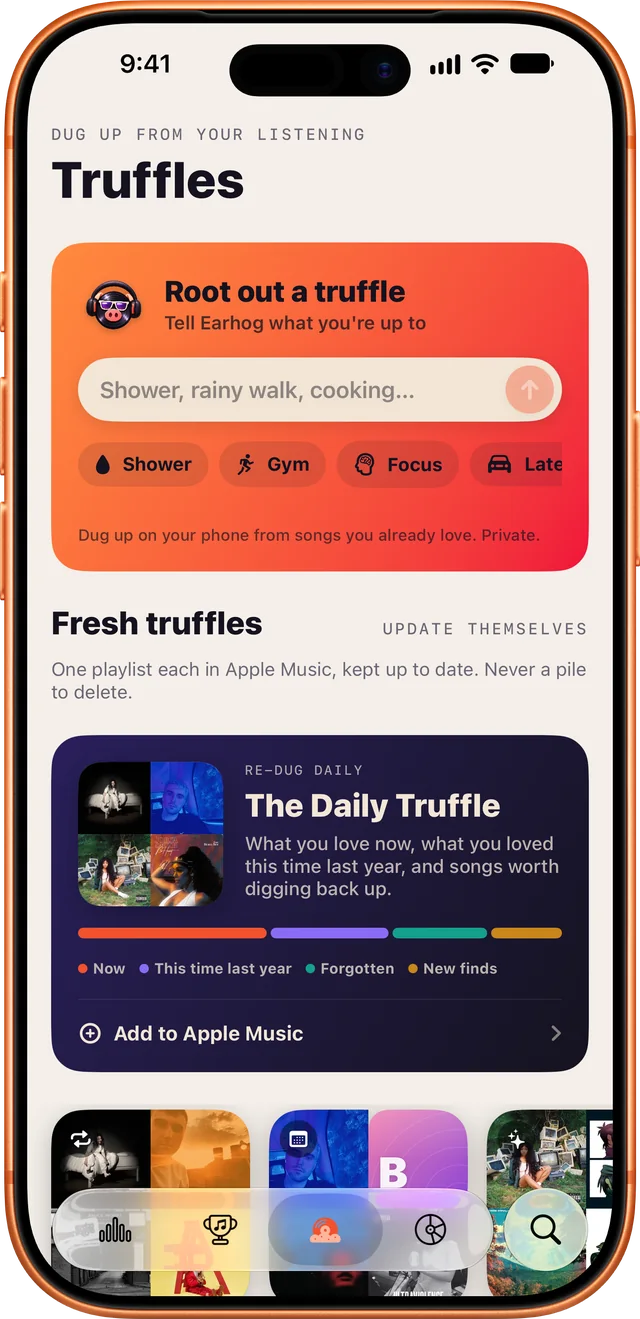
Truffles
Playlists dug up from your listening
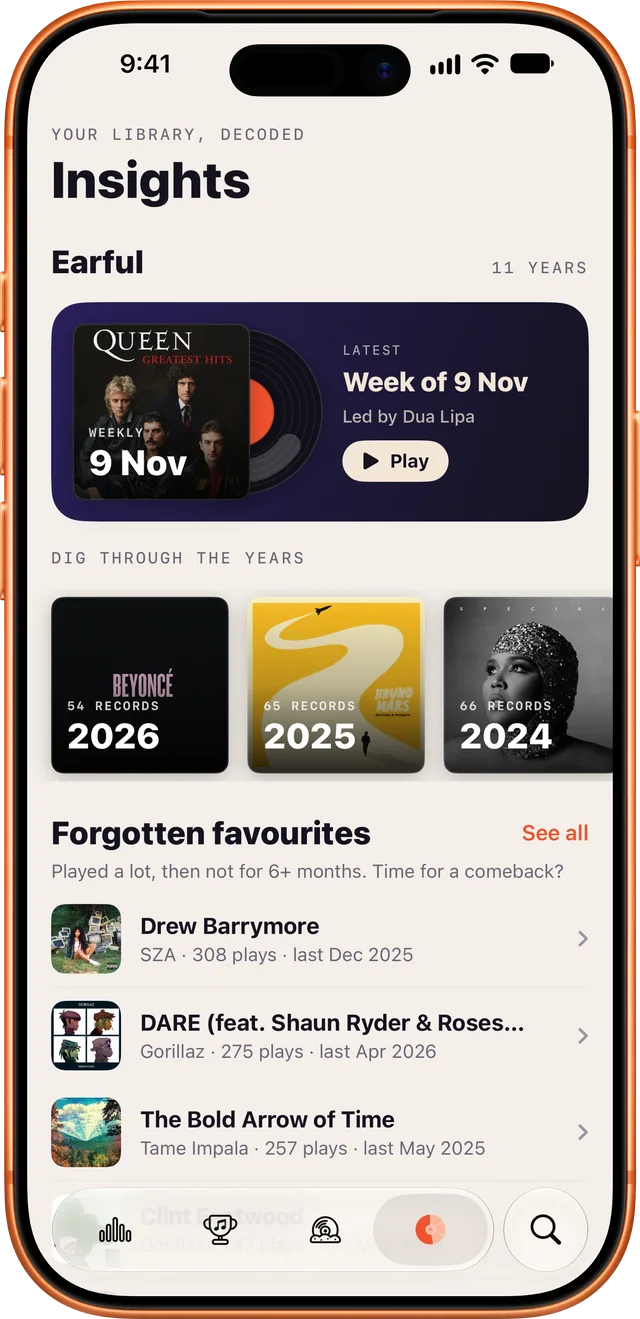
Insights
Every Earful, forgotten favourites and more
01 · Day one
×477×391×288×2032,187hours on this iPhone
Your iPhone has counted every play since the day you set it up. Earhog adds them up, so your stats are there the minute you install.
02 · Every day after
iOS doesn't say when you played something, so Earhog notes it from here on. Each lap of the calendar presses a new record.
03 · Or skip the wait
Your Apple datafrom privacy.apple.com
read on your iPhone, never uploaded
Plays from your older iPhones stayed on those phones. Apple kept them all, so import the download and every year comes back.

No sign-up, email or password.
Stats are worked out on the device, imports included. Your listening never reaches our servers.
History backs up to your own iCloud, if you turn it on.
Your listening never leaves your phone unless you send a share card.
we've got answers
Yes. Every stat, chart, Earful and widget is free. The only ads are small cards for our other apps, and a one-time purchase removes them for good.
iOS doesn't give apps your past play history, so Earhog starts recording the day you install it. Weekly stats unlock after 7 days, monthly after 30 and yearly after 365. Everything this iPhone has counted so far shows up immediately, and importing Apple's data download fills in the rest straight away.
Play counts live on each iPhone, starting from the day it was set up. A two-month-old phone has two months of plays. The plays from your earlier phones are in Apple's data download: import it and your all-time total covers them too.
Yes. Ask Apple for your data at privacy.apple.com (Apple Media Services), then import the download in Earhog. You get every play Apple kept (often years of them), a yearly Earful for each year, and deep cuts like your longest run and biggest day. It's read on your iPhone and never uploaded.
Your week, month or year in music, told as a short story: your top five counted down, your artists racing to number one, your biggest day. Earhog lets you know when a new one is ready, and you can share any page.
No, Earhog is made for Apple Music on iPhone.
No. Everything is calculated and stored on your phone, and in your own iCloud if you turn sync on.
Turn on iCloud sync and your history comes with you.
It hogs your ears. It's a hog. Its face is a record. We rest our case.
Side B · The last track
Free on iPhone, made for Apple Music. No account, no sign-up, no catch. Free on the App Store now.